Multi-Game Support (250+ Titles)
Vortex natively supports over 250 PC games. Switch between titles in one click; Vortex auto-detects Steam, GOG, Epic, Xbox App, and standalone installations.
Auto-discovery for Steam, GOG, Epic, Xbox
Vortex Mod Manager is the official open-source tool by Nexus Mods designed to make game modding effortless. It handles mod installation, load order optimization with LOOT, conflict resolution, and clean hardlink deployment for over 250 games — from Skyrim Special Edition and Fallout 4 to Cyberpunk 2077 and Baldur's Gate 3.



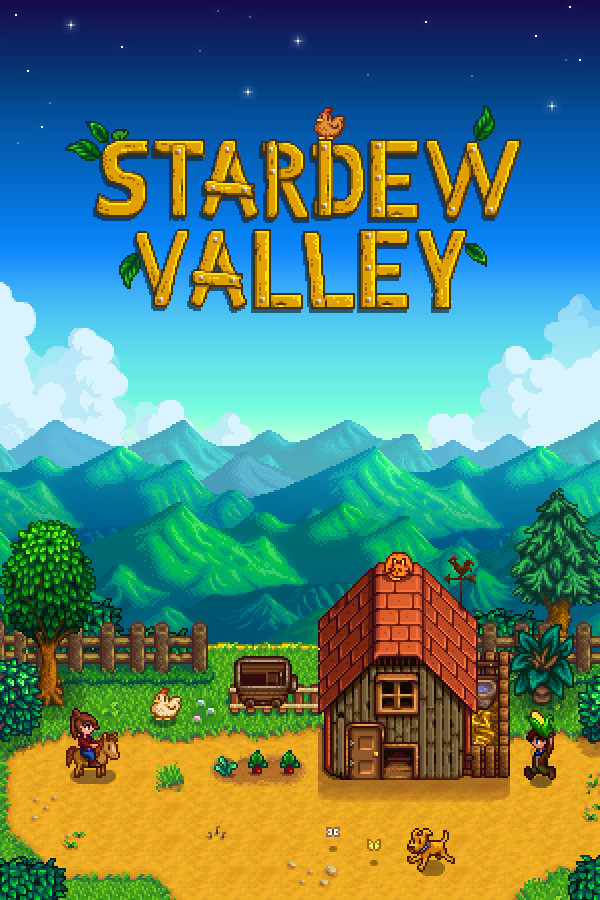
Over 500 games supported
Vortex is the successor to the Nexus Mod Manager (NMM), completely rebuilt from the ground up by the Nexus Mods team. First released in 2018, Vortex was engineered to solve the critical problems that plagued older mod managers: file conflicts, broken load orders, corrupted game directories, and poor multi-game support.
Unlike traditional mod managers that copy files directly into game folders, Vortex uses an advanced hardlink-based staging system. Your original game files remain untouched while mods are deployed through NTFS filesystem links. This means you can add, remove, or swap hundreds of mods without ever risking your game installation.
The project is fully open-source under the GPL-3.0 license, hosted on GitHub, and actively maintained with regular updates and community-contributed extensions. Whether you're a first-time modder installing Skyrim texture packs or a veteran building complex Fallout 4 modlists with 500+ plugins, Vortex scales to your needs.
Every feature in Vortex is purpose-built for mod management — from automated plugin sorting powered by LOOT to visual conflict resolution trees and profile-based mod isolation.
Vortex natively supports over 250 PC games. Switch between titles in one click; Vortex auto-detects Steam, GOG, Epic, Xbox App, and standalone installations.
Click the "Mod Manager Download" button on any Nexus Mods page and the mod is queued in Vortex. Browse, track, endorse, and update mods without leaving the application.
The embedded LOOT engine analyzes plugin dependencies, sorts load order, and flags dirty plugins, missing masters, and incompatible combinations.
Vortex stores mod files in an isolated staging folder and creates NTFS hardlinks to the game directory, leaving the original installation clean.
When mods alter the same files, Vortex presents a clear priority rule system. Set which mod wins; rules persist per profile.
Maintain separate enabled mods, load orders, conflict rules, and optional isolated save games. Switch profiles without reinstalling.
Game support is implemented as extensions, so the community can add new titles and integrate tools such as xEdit, FNIS, Nemesis, or BodySlide.
Vortex features a clean Electron-based desktop UI with resizable panels, collapsible sections, and theme support. Switch themes, adjust mod-list columns, filter by install state or category, and monitor real-time download speeds. The interface adapts whether you're managing 10 mods or 1,000.
Vortex supports mod management for a massive library of PC titles. Each game extension handles game-specific directory structures, plugin formats, and tools automatically.




Vortex is open-source. Contribute on GitHub.
Full LOOT integration, plugin sorting (.esp/.esm/.esl), SKSE/F4SE/OBSE script extender support
The Elder Scrolls V: Skyrim Special Edition · Skyrim Anniversary Edition · Skyrim Legendary · Oblivion · Morrowind · Fallout 4 · Fallout: New Vegas · Fallout 3 · Fallout 76 · Starfield · Enderal
Game-specific extensions for script merging, PAK management, and mod loading frameworks
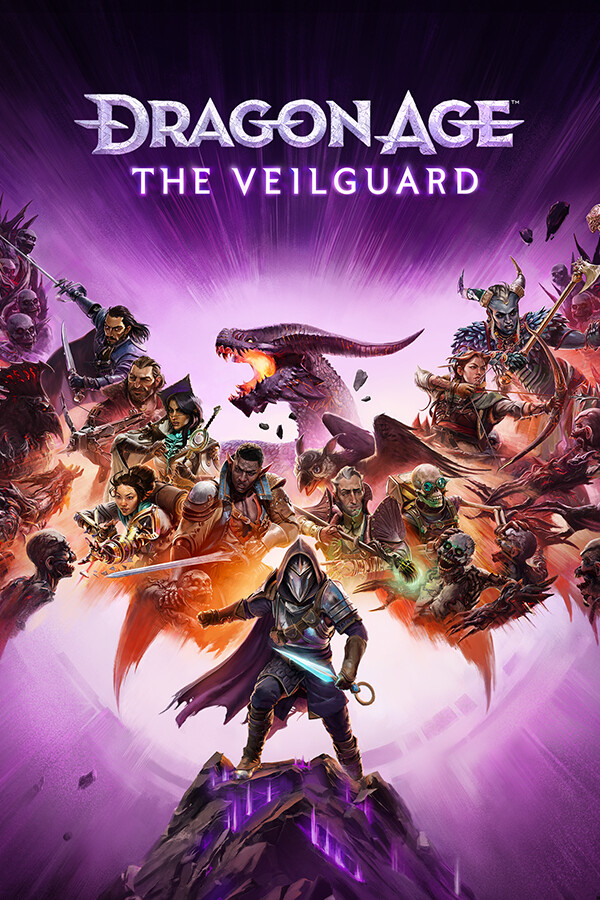
Cyberpunk 2077 · Baldur's Gate 3 · The Witcher 3 · Dragon Age: The Veilguard · Dragon Age: Inquisition · Mass Effect Legendary Edition · Elden Ring · Dark Souls III · Hogwarts Legacy · Kingdom Come: Deliverance
BepInEx / MelonLoader integration, Unity and Unreal Engine mod support
Stardew Valley · Valheim · Palworld · 7 Days to Die · Subnautica · No Man's Sky · Satisfactory · Farming Simulator 22 · Cities: Skylines II · RimWorld
Supports custom mod loaders, REFramework, and engine-specific file structures
Monster Hunter: World · Monster Hunter Rise · Resident Evil 4 Remake · Devil May Cry 5 · Mount & Blade II: Bannerlord · XCOM 2 · Blade & Sorcery · Lethal Company · Deep Rock Galactic · Ready or Not
Get from zero to a fully modded game in under 5 minutes. Vortex automates mod extraction, file placement, load order sorting, and conflict handling.
Download the Vortex installer from the official Nexus Mods page. Run the setup wizard — it installs in under 30 seconds. No bloatware, no toolbars, no subscriptions.
Windows 10/11 • 200 MBOn first launch, Vortex prompts you to log in with your free Nexus Mods account. This enables one-click mod downloads, update tracking, and access to the full mod database.
Free account • API key auto-generatedVortex auto-scans your drives for installed games. Select Skyrim SE, Fallout 4, Cyberpunk 2077, BG3, Starfield, or another supported title. Game-specific extensions load automatically.
Auto-detect from Steam, GOG, EpicVisit Nexus Mods, find a mod, and click "Mod Manager Download." Vortex receives the file, extracts it, places it into staging, and prompts you to deploy.
Drag-and-drop also supportedHit "Deploy Mods" — Vortex creates hardlinks, sorts your load order with LOOT, resolves conflicts, and launches your game with the selected profile.
LOOT auto-sort • Hardlink deployDownloaded mod archives (.zip, .7z, .rar) are extracted into Vortex's staging/ directory. Each mod gets an isolated folder mirroring the game's directory tree.
On deployment, Vortex creates NTFS hardlinks from staging to the game's data folder. Files appear in both locations while only one physical copy exists.
Running "Purge" removes all hardlinks from the game directory in under 2 seconds, leaving only the original files. Staging remains untouched for redeployment.
Everything you need to know about installing, configuring, and using Vortex Mod Manager for PC games.
Yes, Vortex is 100% free and open-source under the GPL-3.0 license. There are no premium tiers, no locked features, and no ads. The full source code is available on GitHub. A free Nexus Mods account is recommended for one-click downloads.
Both are excellent. Vortex supports 250+ games with a unified interface, direct Nexus integration, and rule-based conflict resolution. MO2 uses a virtual filesystem and is generally preferred by advanced Bethesda modders who want granular left-pane control.
Vortex stores mods in staging and creates NTFS hardlinks into the game directory. This avoids duplication, keeps the original installation clean, and lets you purge all deployed files instantly.
Yes. Vortex auto-detects Steam, GOG Galaxy, Epic Games Store, Xbox App, EA App, and standalone installations. You can also point it to a game folder manually.
LOOT analyzes Bethesda plugins and sorts them into a stable order using a community-maintained masterlist. Vortex runs it after you install or enable mods and flags missing masters and known conflicts.
Absolutely. These are among the most popular supported games. Vortex provides LOOT-based plugin sorting and script-extender awareness for Bethesda games and handles REDmod and archive deployment for Cyberpunk 2077.
When Vortex detects that multiple mods modify the same files, click "Show" on the conflict notification. In the visual rule editor, set which mod loads after the other. Rules are saved per profile, and Vortex may suggest rules from metadata.
Use the official Nexus Mods Vortex page or the official Nexus-Mods/Vortex GitHub repository. This restored landing contains no installer, executable, or downloadable archive.
Track the latest releases, bug fixes, and upcoming features. Vortex is actively maintained by the Nexus Mods team.
Exploring native Linux builds and Proton/Wine compatibility.
One-click curated modlist installation with automatic conflict resolution.
Sync mod profiles and settings across machines.
A lightweight mode for lower-end PCs.
Follow development on GitHub for the latest commits and release notes.